
How I Remotely Hard-Reset My Raspberry Pis
By 👤 DANIEL SAMSON, 🤖 CO-AUTHORED-BY: CLAUDE OPUS 4.7 <NOREPLY@ANTHROPIC.COM> · 2026-06-01
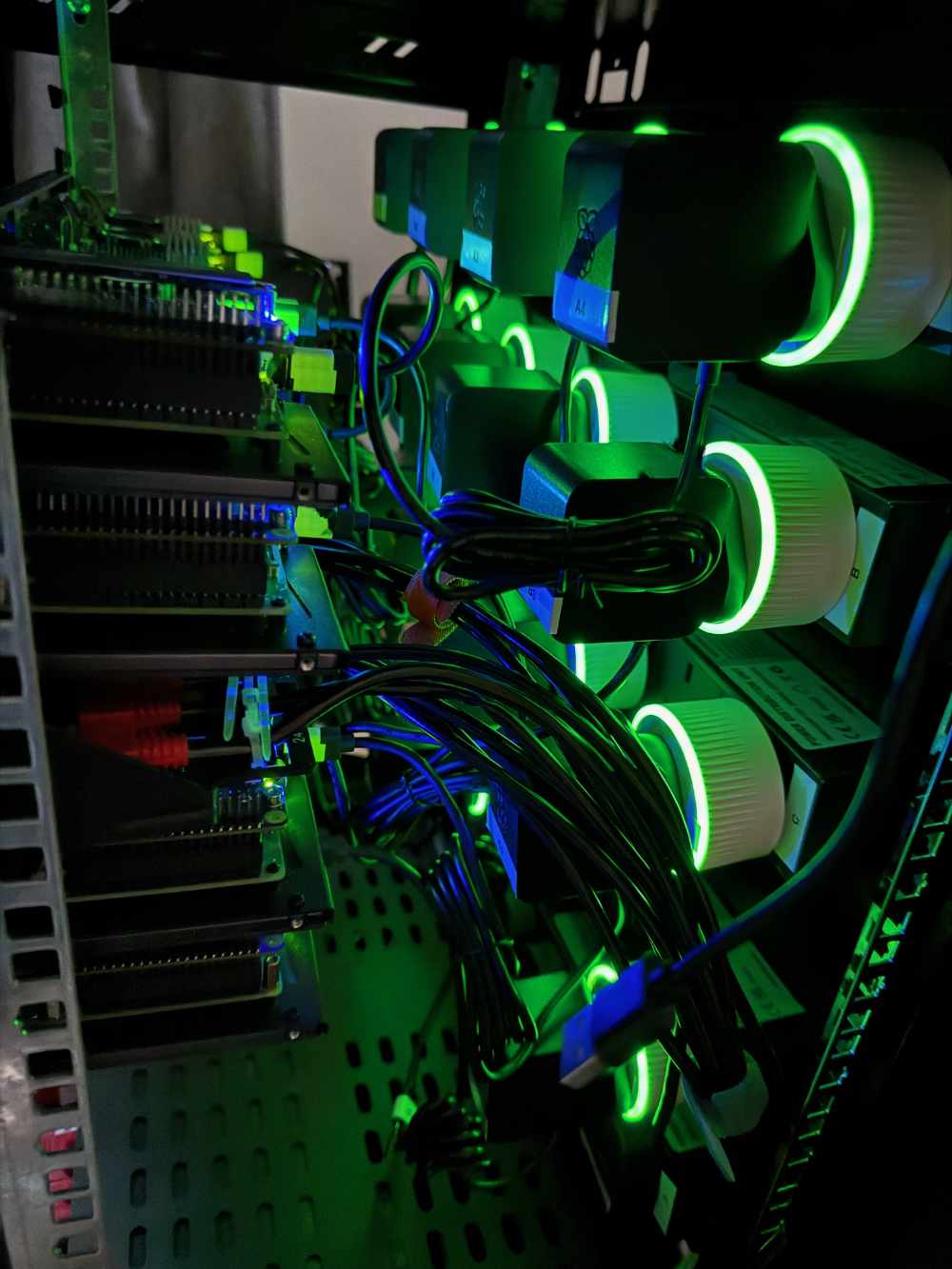
Raspberry Pis are brilliant until one locks up hard. No SSH, no ping, no graceful reboot — the only fix is pulling the power and plugging it back in. That's fine when the Pi is on your desk; it's useless when it's in a rack in another room, or when you're not home at all. I wanted a way to hard power-cycle any of my Pis remotely.
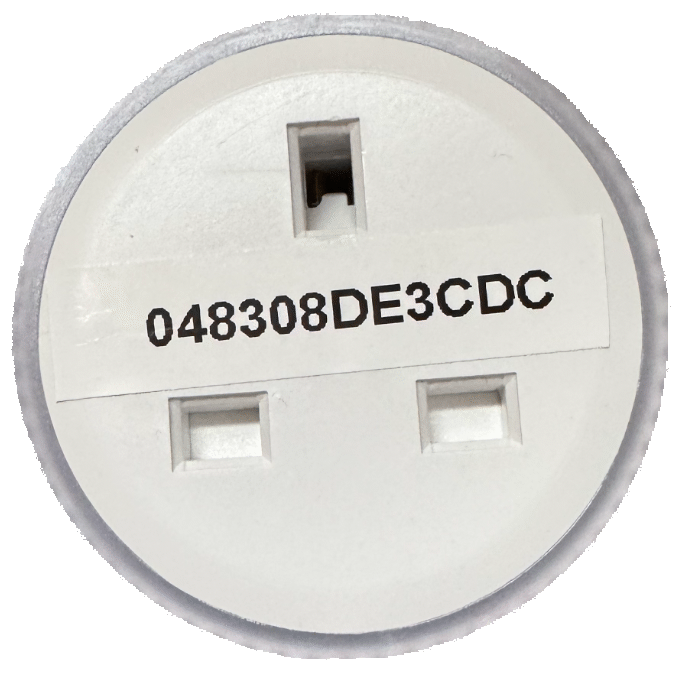
So I bought 20x Shelly Plus Plug UK — 13A smart Wi-Fi sockets with power metering, custom schedules, and a 3000W max. Thanks to pack of 5 offer on Amazon and I saved over £400. Two things made them the right tool: they don't need the cloud to work, and they expose a well-documented local HTTP API.
Why Shelly
No cloud required. Everything works on your LAN with the manufacturer's servers switched off entirely.
Documented local API. Every action is a plain HTTP endpoint, so it's trivial to script.
Power metering. Each plug reports watts, voltage, and current — which turned out to be useful well beyond just switching power on and off.
Setup: keep it off the cloud
1. Don't connect them to your main network first
Each Shelly out of the box creates its own Wi-Fi access point called something like shellyplugus-XXXXXX or ShellyPlug-S-XXXXXX. You connect to that AP from your phone or laptop to configure it — no internet needed at this stage.
2. Per-device setup
Connect to the Shelly's AP, then open http://192.168.33.1 in a browser. You'll land on the device's local web UI. For each Shelly:
Wi-Fi settings: Set it to join your
WiFinetwork. Disable AP mode afterwards — it switches over once it connects.Bluetooth: Disable if you don't need it — smaller attack surface.
Static IP or DHCP reservation: Either set a static IP, or note the MAC and add a reservation on your router. You want predictable IPs so you can find them later.
Disable AP: Find the Cloud toggle in settings and disable Wi-Fi access point. So you have to use your WiFi network instead to access them.
3. After setup
With cloud off, you can still control each Shelly via:
The local web UI at
http://<ip-of-shelly>— works fully offline.The local HTTP API — every action has a URL endpoint, scriptable from anywhere on the LAN.
Power-cycling a Pi remotely
With the plugs reachable over a stable local API, the rest was straightforward. I built a small power-management text user interface (TUI) app called Zeus that lists my Raspberry Pis and gives each one a hard reset button — under the hood it just cuts power at the Shelly, waits, and switches it back on. When a Pi wedges itself, I no longer have to walk over to it; I open the app and bounce it.
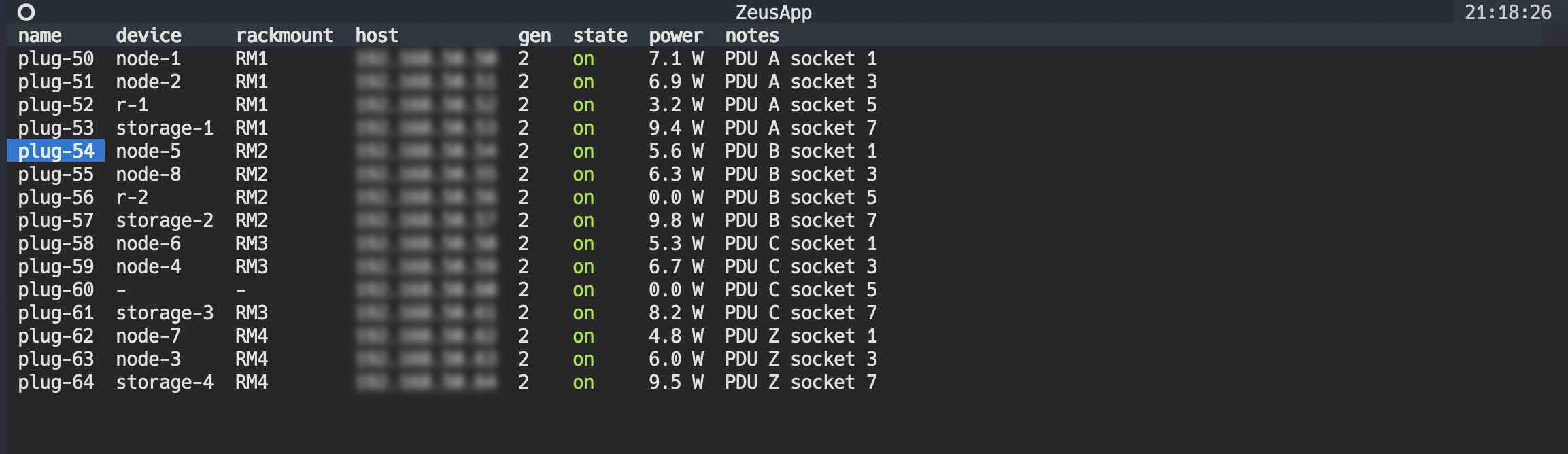
Each Pi runs off an official Raspberry Pi 27W USB-C adapter, so the plug is only ever switching a known, well-behaved load — no surprises on the power side.
Monitoring with Prometheus and Grafana
Because every Shelly reports its own power metrics, I scrape them with shelly exporter into Prometheus and built a Grafana dashboard that tracks, per plug:
Power (watts)
Voltage (volts)
Current (amps)
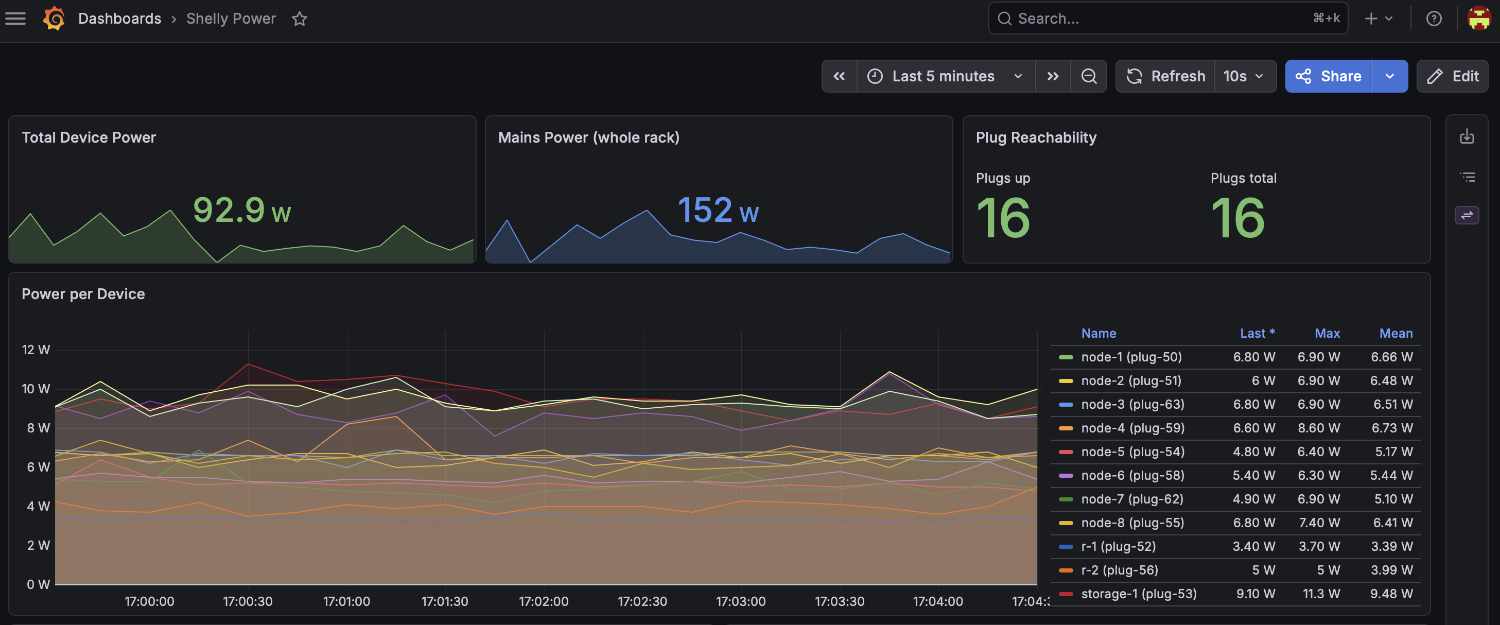
It's oddly satisfying to watch a Pi's draw spike on boot and settle into its idle baseline — and genuinely useful for spotting a device that's drawing more than it should, or one that's quietly died.
Worth it?
Completely. Twenty cloud-free smart plugs, a stable local API, a one-click remote reset for every Pi, and a dashboard that tells me what each one is doing — all without anything phoning home. Exactly the kind of boring infrastructure that just works.