

Network Cabling: A Beautify Chore
By 👤 DANIEL SAMSON, 🤖 CO-AUTHORED-BY: CLAUDE OPUS 4.7 <NOREPLY@ANTHROPIC.COM> · 2026-05-29
It started, as these things always do, with a rabbit hole. A few late nights watching cabling videos — what I can only describe as server porn — and I'd convinced myself that my server rack was an embarrassment that simply had to be fixed.
Tearing it all down
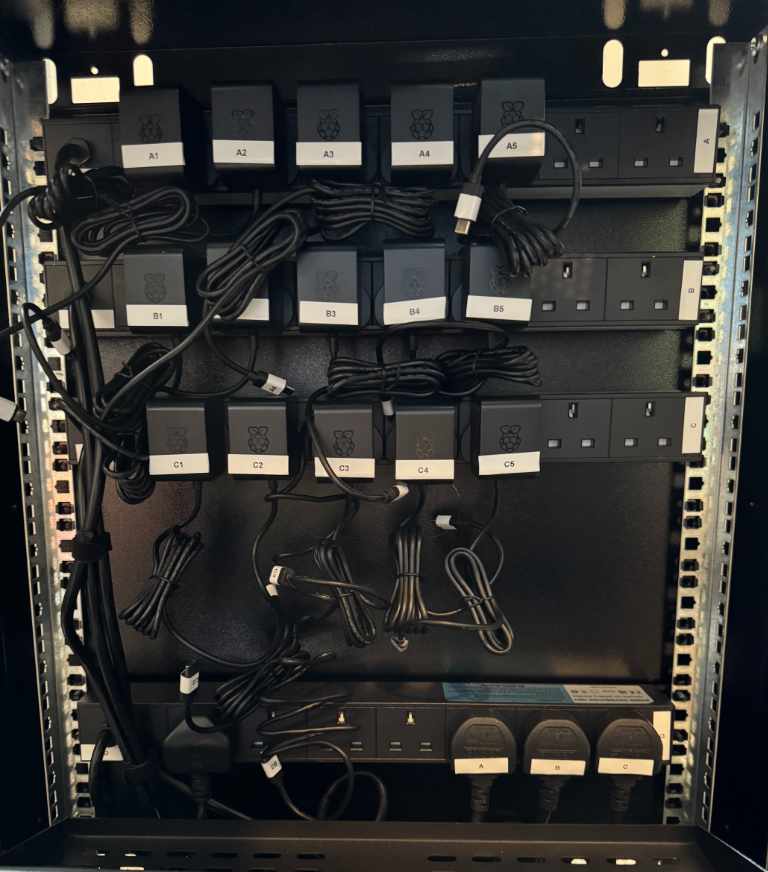
There's no gentle way to rewire a rack. I took the whole thing down and started from scratch — every device unplugged, every run pulled out, the lot. It's the kind of job where things look dramatically worse before they look better, and for a good while my office floor was a sea of cable.
Making the cables
Then came the part nobody warns you about: crimping over twenty custom-length cables by hand. Strip, fan out the pairs, line them up in the right order, trim them flush, slot them into the connector, crimp, test, repeat. My fingers were genuinely sore by the end of it — but there's something satisfying about a cable cut to exactly the length you need.
The T568A pinout
The whole thing hinges on getting the wiring order right. I went with T568A throughout. Here's the pin-out I kept taped to the bench:
Pin | Wire colour |
|---|---|
1 | White / Green |
2 | Green |
3 | White / Orange |
4 | Blue |
5 | White / Blue |
6 | Orange |
7 | White / Brown |
8 | Brown |
Pick one standard and stick to it on both ends for a straight-through cable. Mixing A and B on the same cable is a crossover — occasionally useful, usually a debugging headache you've inflicted on yourself.
Patch panels: the secret to tidy
The single biggest improvement wasn't the cables themselves — it was running everything through a patch panel. Terminating the permanent runs into the panel and then using short patch leads to the switch means the messy part is hidden, the visible cables are all uniform, and grouping them by function suddenly makes the whole rack legible at a glance.
I love my booties
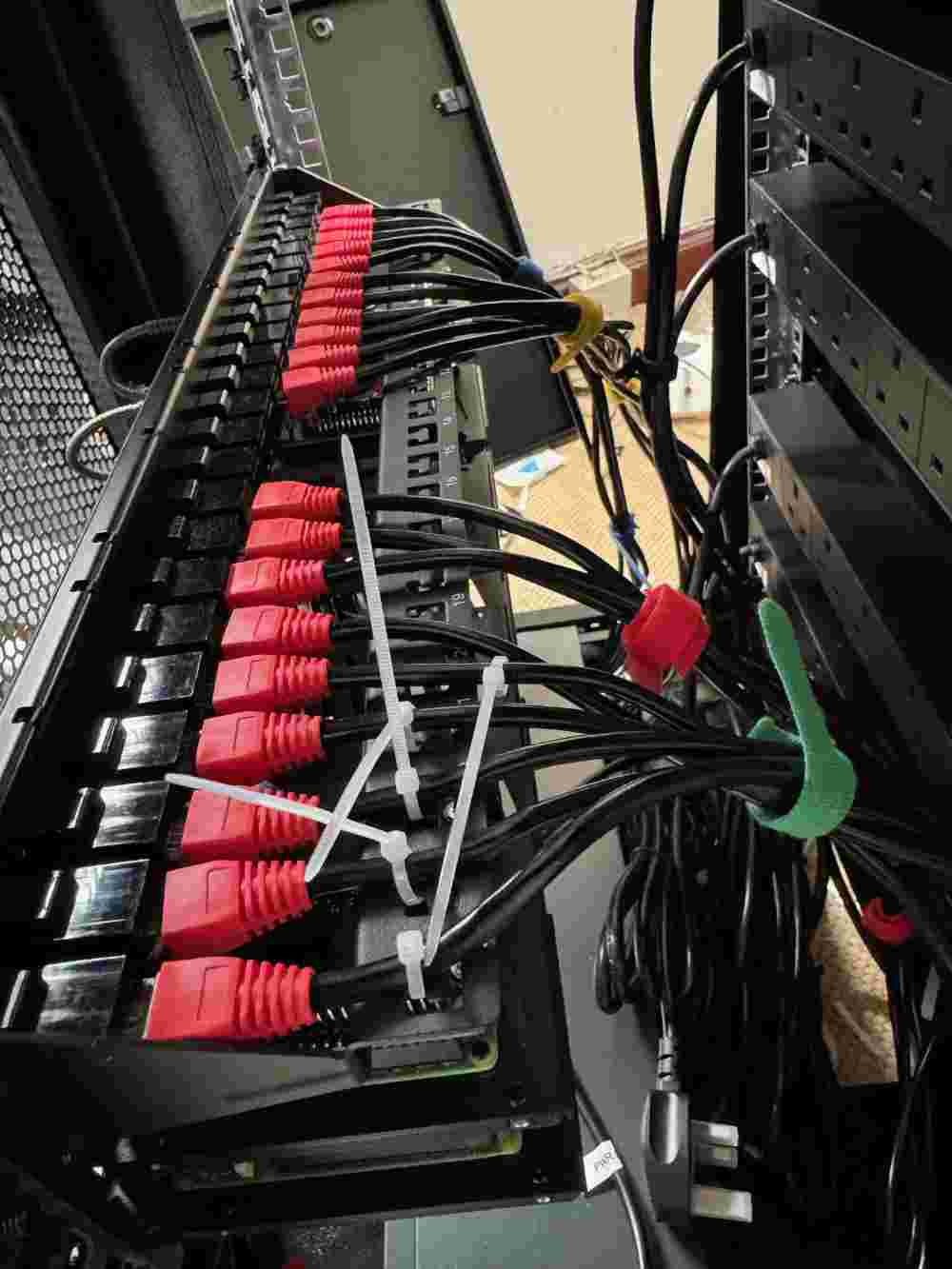
I'll admit it: I'm a sucker for coloured boots — the little rubber booties on the connectors. They're not just pretty. Colour-coding by purpose means I can trace a run instantly without following it hand-over-hand behind the rack:
Red for the LAN
White for anything that touches the WAN
Other Colours for the different sizes of cables
Future Improvements
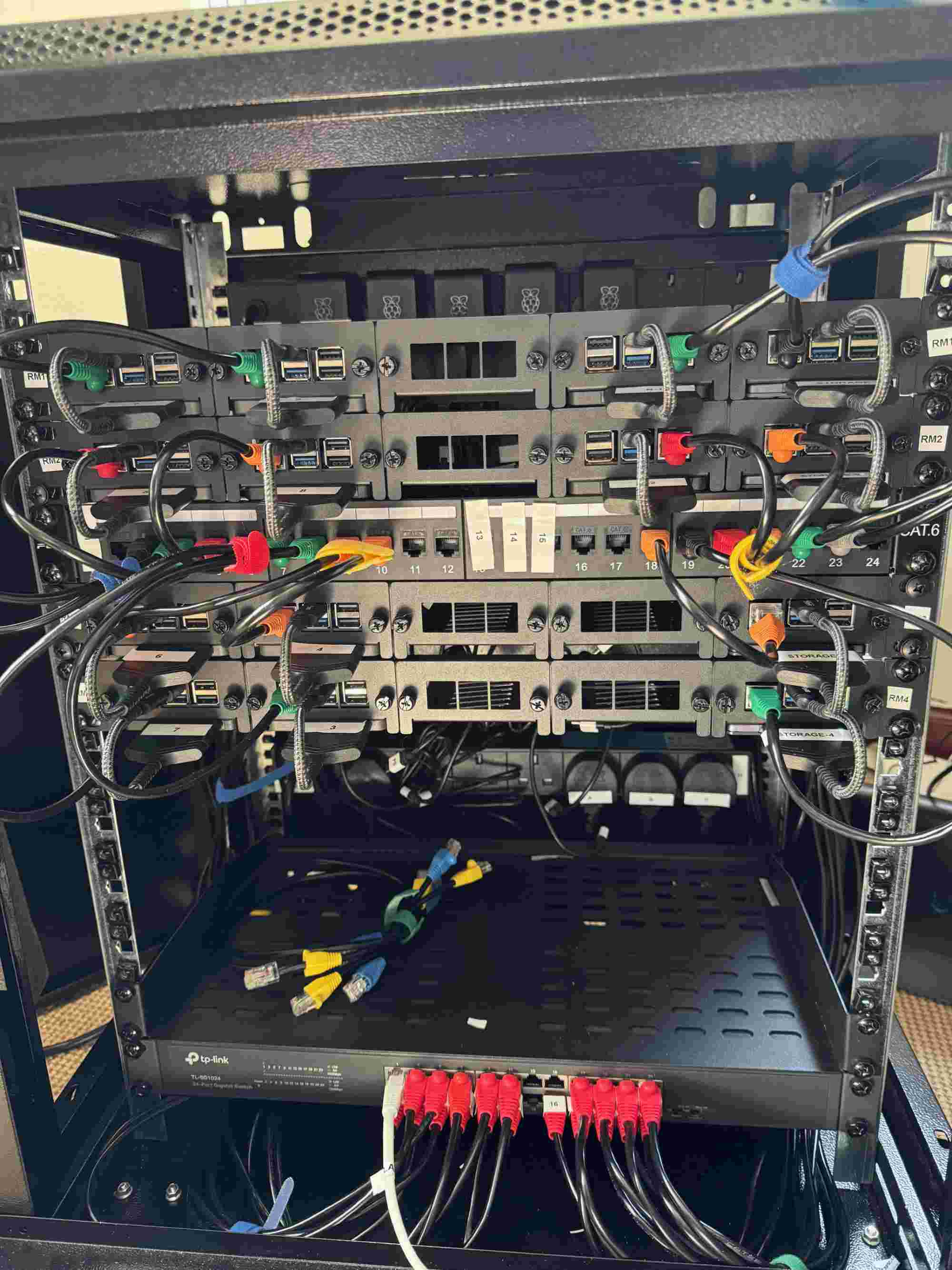
While the cables going from the switch to the patch panel are look amazing, I still haven't perfected the cables from the devices into the patch panels. I have been considering angled connectors. They would allow me to feed the cables horizontally.
Was it worth it?
Honestly? Making the cables is boring. It's repetitive, it's fiddly, and halfway through you start questioning your life choices. But the results genuinely speak for themselves — opening the rack now is a pleasure instead of a chore, and the next time I need to add a device it'll take minutes, not an afternoon.
A beautiful chore, indeed.