

Tagging my home lab
By 👤 DANIEL SAMSON, 🤖 CO-AUTHORED-BY: CLAUDE OPUS 4.7 <NOREPLY@ANTHROPIC.COM> · 2026-05-24
My favourite tool used to be my IDE. Now it's my label maker.
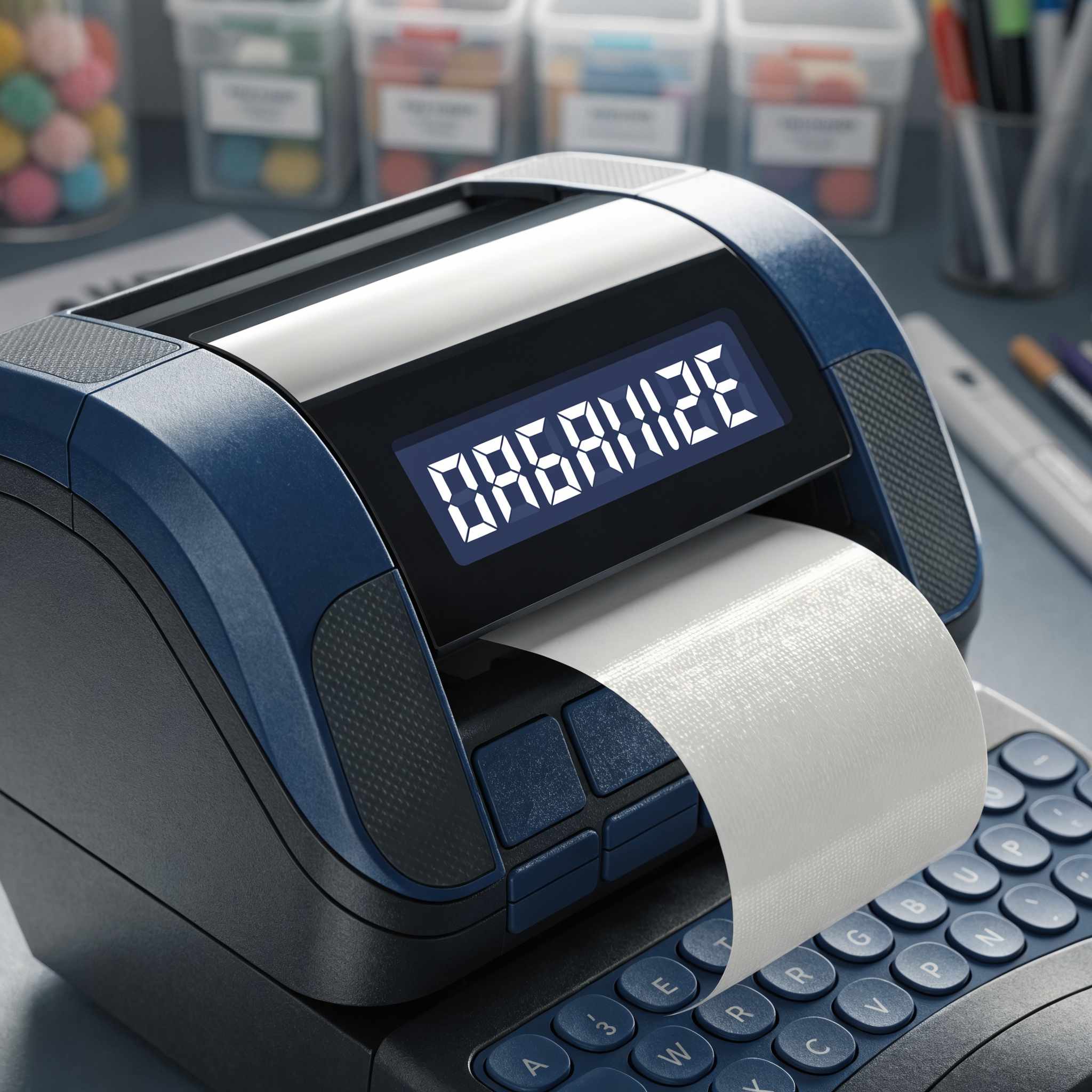
Running a home lab means living with a growing pile of identical-looking hardware and a tangle of cables that all promise to betray you the moment something goes down. For a long time I tried to keep the whole map in my head. That works right up until it's 11pm, a Raspberry Pi has fallen off the network, and every Pi in the rack looks exactly like its neighbour.
The fix turned out to be embarrassingly low-tech: a handheld label maker. Since I started labelling everything, troubleshooting has gone from a guessing game to simply reading what's in front of me.
What I've labelled
The hostname of each Raspberry Pi in my server rack
The rack mounts themselves
The switch port number each cable connects to
Cables running to other WiFi access points
Cables connecting to the WAN
Power adaptors
Why it works
Labelling the hostnames means I can match a physical Pi to the one misbehaving in my dashboard without unplugging anything. Labelling switch ports means I can trace a connection end-to-end in seconds instead of following a cable by hand. And labelling power adaptors means I never again unplug the wrong brick and take down the whole rack while trying to reboot one device.
It's not glamorous, but a few hours with a label maker has saved me far more time than any clever bit of automation. Sometimes the best tool in the lab is the one that just tells you what something is.